Just listed posts, done for you.
New listing? Sam turns your listing photos and details into a just listed post that looks like you, ready to share.
Updated

 Sam
Your just listed post is ready. Take a look?
Example
From listing photos to a post you’re proud of.
Sam
Starts from your listing.
Your real photos, the price if you share it, beds, baths and the details that make the home special.
Sam
Makes it look like you.
Your headshot, logo, colors and brokerage line, in a design that fits the home.
You
You make it yours.
Ask for any change: a different photo, a shorter caption, a story version.
You
Download and share.
Feed and story sizes, ready for wherever you post.
What a just listed post can look like.

Example
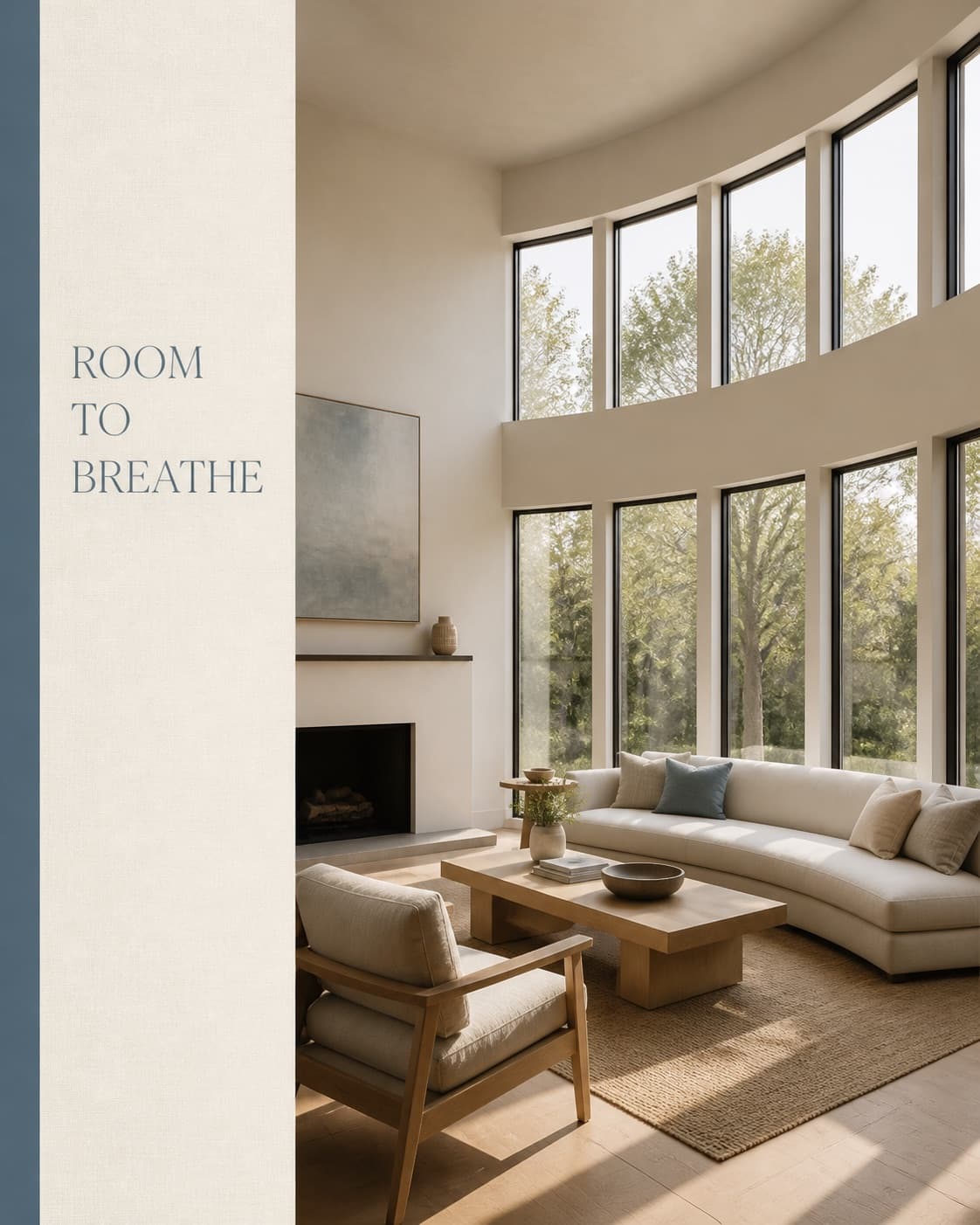
Example

Example
What to put in a just listed post
The short answer: Your best photo, the essentials, one detail that makes the home different, and a clear way to reach you.
Lead with your best photo.
Usually the front of the home in good light, or the room people will fall for. Sam picks a strong one, and you can swap it.
Say the essentials first.
Town or neighborhood, beds and baths, and the price if you share it. People decide in a second whether to keep reading.
Pick one detail, not ten adjectives.
“The porch everyone will sit on” beats “stunning, spacious, must see.”
Tell people what to do next.
Call or text you, send a message, or come to the open house.
Follow your MLS and brokerage rules.
Include your brokerage name where it’s required, follow coming soon rules, and describe the home, not who should live there.
Keep it going.
Price improved, under contract and open house posts keep the listing in front of people. Ask Sam for each one.
What Sam needs from you
Usually just a yes. Once you find one of your listings in Social and confirm it’s you, Sam already has the photos and details. Not connected yet? Add the photos and a few details and she’ll take it from there.
Good to know.
Where does Sam get my listing photos?
From your MLS listings, synced through PropertySimple’s nationwide listing portal. If they’re on the MLS, we can sync them. You can also add your own photos anytime.
Will Sam change how the home looks?
No. Sam uses your real photos and details. She can crop a photo, but she never adds anything a home doesn’t have.
Can Sam post my new listings on her own?
No. Sam shows you each post first, and nothing goes out until you approve it.
Can I get a story version too?
Yes. Ask Sam for other sizes and she makes a story version from the same post.
Be the agent they already know.
When it’s time to buy or sell, people call the agent they’ve been seeing all along. Sam makes sure that’s you.
Get started